The Multi-Branch Development Dilemma
As developers, we often find ourselves in situations where we need to switch contexts rapidly. An urgent bug fix might land on our plate while we're in the middle of a complex feature. Or perhaps we need to review a colleague's pull request, which requires pulling their branch and testing it locally. In these scenarios, the default Git workflow—modifying files, committing, or stashing changes before switching branches—can quickly become a source of friction.
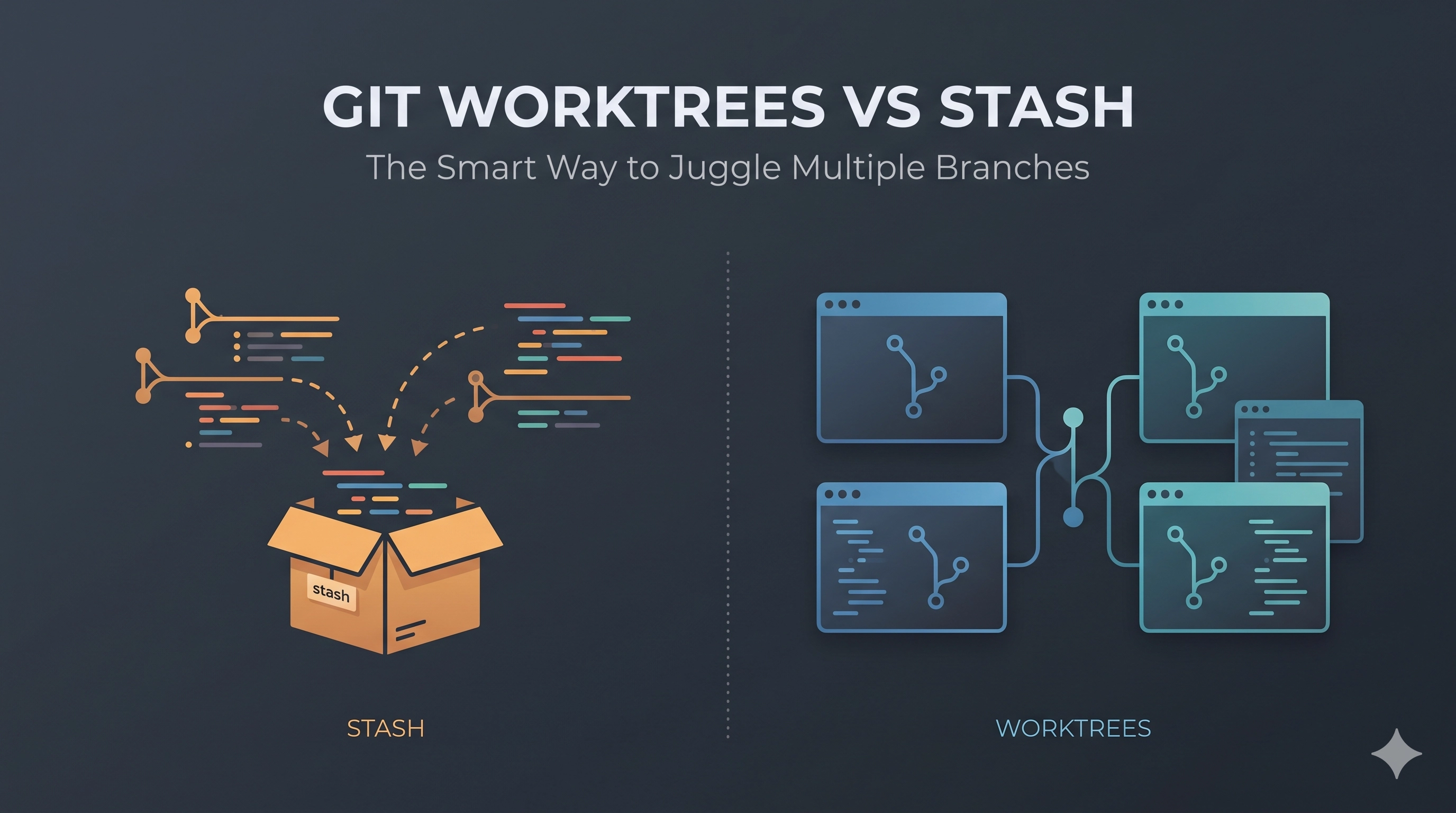
The traditional approach involves either committing incomplete work (which pollutes history or requires an amend later) or, more commonly, stashing your current changes. While git stash is a lifesaver for temporary storage, constantly stashing and popping can be cumbersome, prone to merge conflicts, and disrupts your mental flow. What if there was a way to truly work on multiple branches simultaneously without these gymnastics?
Enter Git Worktrees. This powerful, often underutilized feature offers an elegant solution to the multi-branch dilemma by allowing you to have multiple working directories, each associated with a different branch or commit, all stemming from the same core repository. Let's break down both approaches and build a decision framework for when to use each.
The Traditional Dance: git stash and git checkout
This is the bread and butter for many developers. When you need to switch branches but have uncommitted changes, the typical sequence looks like this:
git stash save "WIP: half-done feature A"
git checkout bug-fix-branch
# Fix bug, commit, push
git checkout original-feature-branch
git stash pop
Pros of the Stash-and-Checkout Workflow:
- Simplicity: It's a fundamental Git command, easy to learn and widely understood.
- No Extra Directories: All your work resides within a single repository directory.
- Quick Context Switch (for simple cases): For very brief jumps, it's often faster to stash and switch than to set up a worktree.
Cons of the Stash-and-Checkout Workflow:
- Context Loss: Stashing saves your changes, but your IDE might need to reindex, build caches might clear, and your terminal history is still for the original branch.
- Stash Conflicts: Popping a stash can lead to merge conflicts, especially if the underlying branch diverged significantly.
- Slow for Frequent Switching: Repeated stashing and popping, especially with large codebases, becomes inefficient.
- Single Build Environment: You're constrained to one set of build artifacts and environment variables for the entire repository.
The Worktree Paradigm: True Concurrent Development
Git Worktrees allow you to create multiple linked working directories, each pointing to a different branch, all sharing the same Git object database. This means you can have a separate terminal, IDE window, and even distinct environment variables for each worktree, effectively working on multiple features or bug fixes in parallel.
How it Works:
First, ensure you're on a clean branch, or create a new one. Then, add a worktree:
# From your main repo directory (e.g., my_project/)

# Add a worktree for a new feature branch
cd ..
git worktree add my_project_feature_x feature-x-branch

# Or for an existing bugfix branch
git worktree add my_project_bug_fix bugfix-branch

# List all your worktrees
git worktree list
Now you have parallel directories (e.g., my_project/, my_project_feature_x/, my_project_bug_fix/). You can switch between them simply by changing directories:
cd my_project_feature_x
# Work on feature X here

cd ../my_project_bug_fix
# Work on bug fix here
When you're done with a worktree, remove it:
# Make sure you've committed or discarded changes within that worktree first
git worktree remove my_project_feature_x

# If the branch is also done, you can delete it
git branch -D feature-x-branch
Note: You cannot remove a worktree if you are currently inside it. Switch to another directory (e.g., your main repository) before removing.
Pros of Git Worktrees:
- True Context Isolation: Each worktree is a separate working directory. Your IDE state, build artifacts, node_modules, etc., are isolated, preventing interference and speeding up context switches.
- Simultaneous Development: Work on a new feature in one worktree while simultaneously debugging a production issue in another. No stashing needed.
- Faster Switching: Switching contexts is as simple as
cdto another directory. - Dedicated Environments: Configure different development environments (e.g., different Ruby/Python versions, specific Docker containers) for each worktree.
- Simplified Code Reviews: Easily pull a colleague's branch into a new worktree for local testing without disturbing your main development environment.
Cons of Git Worktrees:
- Increased Disk Usage: While worktrees share the object database (
.git/objects), each worktree has its own full copy of the working files, leading to more disk space consumption. - More Directories to Manage: You'll have multiple directories related to the same project, which might require a slight adjustment to your organization habits.
- Initial Learning Curve: Understanding the concept and commands takes a bit of time.
- Cleanup Discipline: Requires remembering to remove worktrees when they're no longer needed to free up space.
Operational Complexity and Trade-offs
The choice between git stash and git worktree boils down to frequency, duration, and complexity of context switching.
- For Quick, Ephemeral Jumps: If you just need to briefly switch branches, grab something, or make a tiny hotfix without full context,
git stashis lightweight and fast enough. - For Persistent, Complex Contexts: When you anticipate working on multiple features over hours or days, need different dev environments, or frequently jump between projects that share a monorepo, worktrees shine. The initial setup overhead is quickly recuperated by the seamless switching and isolation.
- Resource Footprint: Worktrees consume more disk space but significantly reduce CPU/memory overhead from re-indexing and recompiling. Stashing saves disk but increases mental load and potential re-work on popping conflicts.
- Team Collaboration: Introducing worktrees to a team can streamline code reviews and shared development efforts, but it requires clear communication about the new workflow.
Decision Framework: When to Choose Which?
Choose git worktree when:
- You are actively developing on two or more distinct feature branches or bug fixes concurrently.
- You frequently need to switch between an ongoing feature and an urgent hotfix or code review.
- Your project has long build times, and you want to avoid rebuilding every time you switch branches.
- You require different development environments (e.g., different dependency versions, local database setups) for different branches of the same repository.
- You want to test a colleague's branch locally without disrupting your primary working directory or stashing your changes.
Choose git stash when:
- You need to temporarily save minor, uncommitted changes to quickly pull updates or fix a very small, isolated issue.
- Your context switch is very brief, and you plan to return to your current work almost immediately.
- You prefer a single working directory and are comfortable with the inherent context switching overhead.
- You are working on a very small project with minimal build steps where the overhead of a worktree is not justified.
Key Takeaways
Both git stash and git worktree are valuable tools in a developer's arsenal. While git stash offers a simple, quick way to park changes, git worktree provides a more robust and efficient solution for managing complex, concurrent development efforts. By embracing worktrees, you can eliminate much of the friction associated with multi-branch development, leading to a smoother, more productive workflow. Experiment with both, and integrate worktrees into your daily routine for a significant boost in developer productivity, especially in larger projects or when juggling multiple priorities.
Be the first to leave a comment.
Leave a comment